
Why Spotify Student Subscriptions Require Annual Renewal
The Spotify Premium Student plan provides an industry-leading 50% discount plus complimentary Hulu access, but it is granted on an annual term. Because student status is temporary, Spotify requires every subscriber to re-verify their academic standing every 12 months. If you miss the re-verification deadline, your account will automatically convert to the standard Individual plan rate of $11.99/mo.
In this guide, we walk you through how to renew spotify student discount after one year seamlessly, keeping your discounted $5.99/mo pricing and preserving all linked streaming perks.
When Can You Renew Your Spotify Student Discount?
Spotify opens the renewal window exactly 30 days before your 12-month period expires. You will receive an automated email from Spotify alerting you to re-verify. Attempting to renew prior to this 30-day window will result in a message stating your plan is currently active.
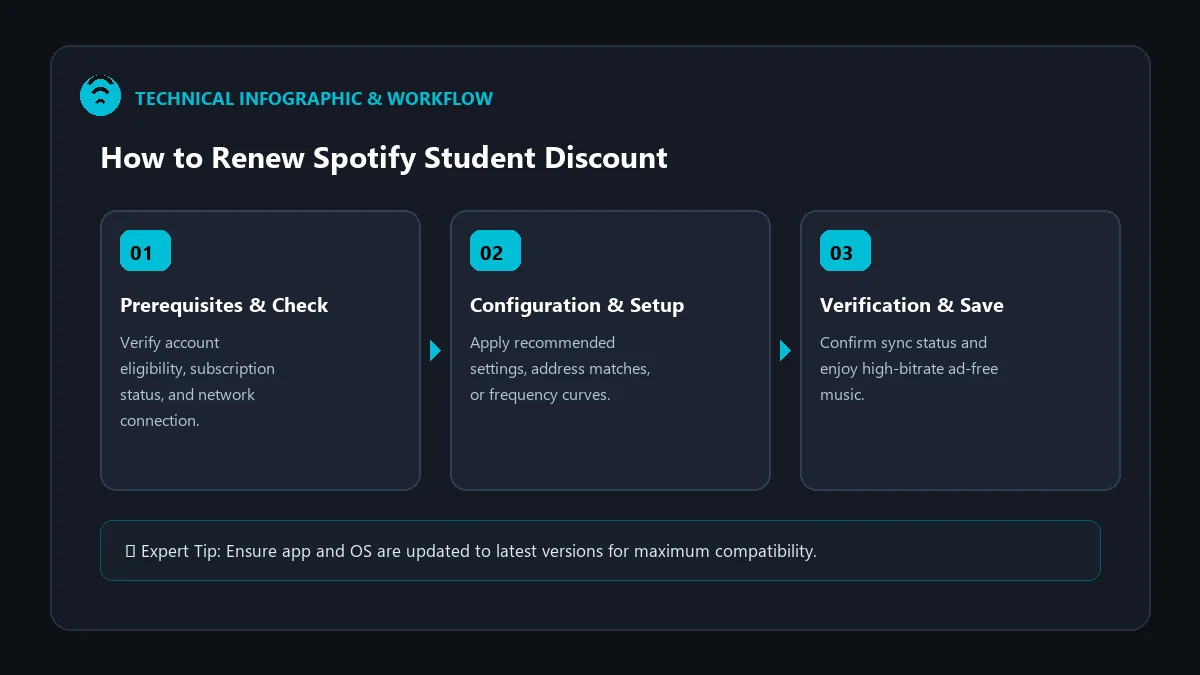
Step-by-Step Guide: Renewing Your Student Verification
Follow this walk-through to complete your annual renewal in under three minutes:
- Access Your Spotify Account: Open your web browser and sign in at spotify.com/account.
- Locate the Renewal Banner: On your Account Overview page, locate the notification box that says ‘Verify your student status to keep your discount’.
- Click ‘Renew Discount’: You will be redirected to the secure SheerID re-verification portal.
- Confirm Your Academic Information:
- Verify your legal first and last name.
- Confirm your accredited college or university from the dropdown list.
- Ensure your student email address (or personal email linked to school records) is entered correctly.
- Submit & Authorize: SheerID will cross-reference your records with active student databases. Upon immediate verification, your $5.99 rate is locked for another 12 billing cycles!
What to Do If SheerID Requests Additional Proof
If your university database has not synchronized recent semester enrollment, SheerID will prompt you to upload documentary evidence. Prepare one of the following official documents:
| Document Type | Validity Requirement | Recommended Format |
|---|---|---|
| Current Term Class Schedule | Must clearly show current semester dates and full student name | PDF or clear full-screen PNG |
| Tuition Payment Receipt | Must display current academic term and university letterhead | Official PDF downloaded from bursar portal |
| Official Enrollment Verification Letter | Issued by registrar’s office within last 30 days | Scanned PDF with institutional seal |
What Happens If You Forget to Renew in Time?
If you fail to renew before your 12-month deadline expires:
- Automatic Price Adjustment: Your billing method will be charged the standard $11.99 Individual fee on your next renewal date.
- No Data Loss: None of your playlists, saved songs, listening history, or custom settings will be deleted.
- Hulu Suspension: Your bundled Hulu account will pause until your student status is re-established.
- Re-Application Allowed: You can re-apply for the student discount at any time after the rate hike, provided you have remaining eligibility within your 4-year lifetime limit.
Frequently Asked Questions
How many times can I renew the Spotify Student discount?
You can renew the student discount up to 3 times after your initial signup, giving you a total maximum of 4 years (48 months) of subsidized pricing.
Can I renew if I am in my final semester of college?
Yes. As long as you are actively enrolled on the day of renewal, your discount will remain active for the full 12 months following verification, even if you graduate mid-year.
Do I have to set up Hulu again after renewing Spotify Student?
No. As long as your renewal is completed within the eligible window, your Hulu link remains active automatically without additional configuration.