
Preserving Your Music Library When Moving Abroad
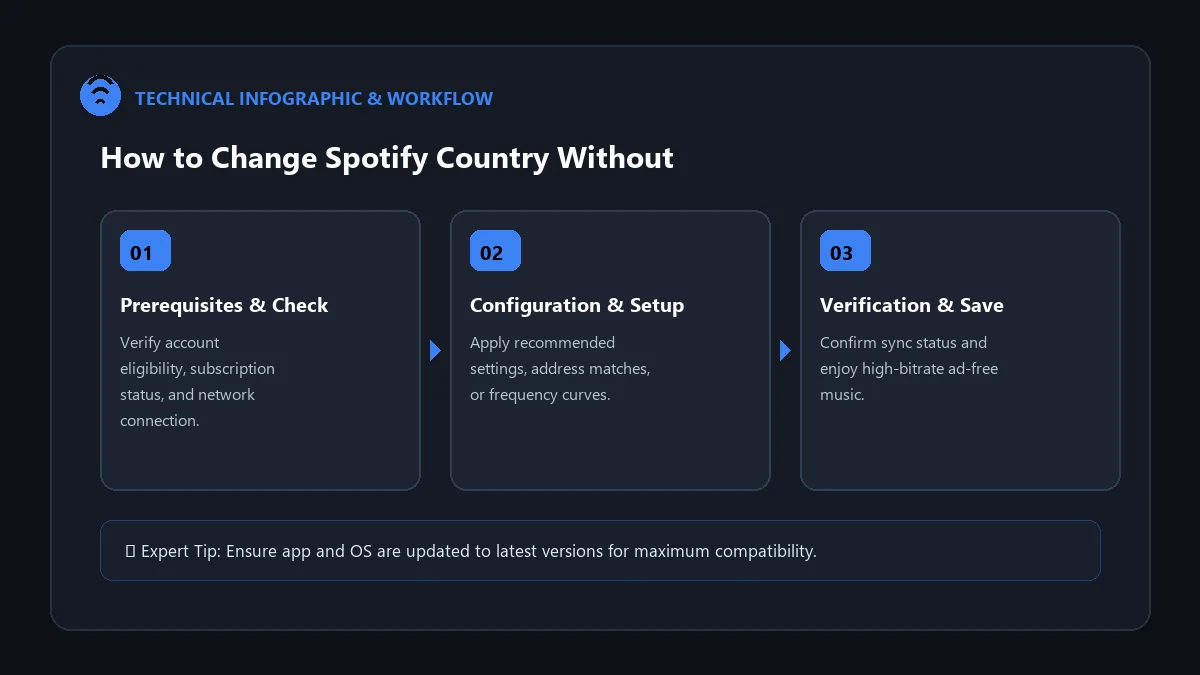
Whether you are studying overseas, relocating for work, or moving permanently to a new country, updating your Spotify account region is essential. If your account remains registered to your former country, foreign credit cards will fail during renewal, and Spotify Free accounts will hit the 14-day international travel lock.
In this guide, we walk you through how to change spotify account country without losing playlists, ensuring your saved albums, followers, algorithmic recommendations, and curated playlists transfer with zero downtime.
Crucial Rule: What Happens to Playlists During a Country Switch?
Guaranteed Data Safety: Changing your account country never deletes your playlists, liked tracks, listening history, or Spotify Wrapped statistics. Your library is permanently attached to your unique User ID in Spotify’s cloud database.
Scenario 1: Changing Country on a Spotify Free Account
- Connect to the internet in your new destination country (or connect via local Wi-Fi).
- Open your browser and navigate to spotify.com/account.
- Click on Edit profile.
- Scroll down to the Country or region dropdown menu.
- Select your new country (Spotify auto-detects your current location).
- Click Save profile. Your account region is instantly updated!
Scenario 2: Changing Country on a Spotify Premium Account
Because Premium subscriptions are tied to local banking methods, you must update your payment method to match the new country:
- Log in at spotify.com/account.
- Under Your plan, click Update payment method or Change plan.
- Select the country where your new payment method was issued.
- Enter your new local credit card, debit card, or regional payment details (e.g., local PayPal, iDEAL, UPI).
- Confirm the update. Your billing will now switch to the local currency on your subsequent renewal cycle.
Country Switching Checklist
| Step Required | Free Tier Accounts | Premium Tier Accounts |
|---|---|---|
| IP Geolocation | Must be physically in target country | Payment method determines region |
| Payment Method Update | Not applicable (No card attached) | Must provide local bank card |
| Offline Downloads | Not applicable | Re-downloads automatically once updated |
Frequently Asked Questions
Why is my new country not showing in the dropdown menu?
On Free accounts, Spotify only displays countries that match your current IP address. On Premium accounts, the country list updates when you enter a card issued in that specific nation.
What if I am part of a Family or Duo plan?
If you belong to a shared plan, the Plan Manager must change their country and billing method first. Sub-members must then re-confirm the new household address.
Will my Discover Weekly change after switching countries?
Your personal music recommendations remain based on your listening history, but regional top charts and localized release radars will adapt to your new region.