
Using Spotify Gift Cards for Multi-Currency Subscriptions
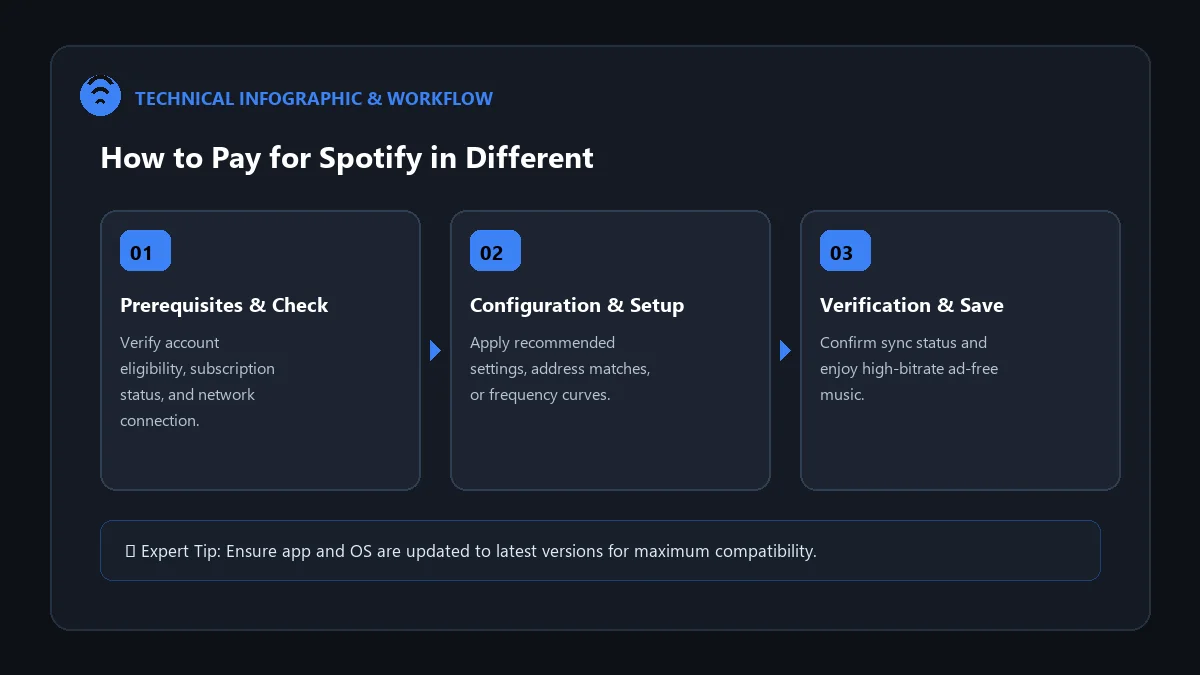
Digital gift cards are one of the most flexible payment methods for Spotify Premium, especially for travelers, digital nomads, and individuals without local credit cards. However, Spotify maintains strict currency matching regulations: a gift card purchased in one currency (e.g., USD, EUR, GBP) can only be redeemed on an account set to that exact corresponding country.
In this tutorial, we demonstrate how to pay for spotify in different currency with gift cards, walking through account country adjustments, redemption error fixes, and multi-month subscription stacking.
The Golden Rule of Spotify Gift Cards
Currency & Region Lock: A US Dollar ($) gift card will fail on a UK (£) or Canadian ($ CAD) account. The currency of the gift card MUST match your Spotify account’s registered country setting.
Step-by-Step: Redeeming a Gift Card in Another Currency
- Match Your Account Country:
- Log in at spotify.com/account.
- Go to Edit Profile.
- Ensure your Country or region matches the issuing territory of your gift card (e.g., United States for USD cards).
- Navigate to the Redeem Page: Go directly to spotify.com/redeem.
- Enter the Activation Code: Scratch off the physical card or copy the 10-to-16-digit alphanumeric code from your digital email receipt.
- Pass the Security Check: Enter your ZIP/postal code if prompted and complete the CAPTCHA.
- Confirm Redemption: Click Redeem. Your account immediately receives prepaid Individual Premium time!
Gift Card Limitations and Plan Eligibility
| Plan Type | Gift Card Eligible? | Important Consideration |
|---|---|---|
| Premium Individual | Yes (100% Supported) | Stacks up to 18 consecutive prepaid months |
| Premium Student | No | Discounted student plans require recurring billing |
| Premium Duo & Family | No | Shared plans require standard credit card or PayPal |
Troubleshooting Gift Card Redemption Errors
1. ‘The code you entered is not valid’
Check for commonly confused characters: the number ‘0’ vs letter ‘O’, capital ‘I’ vs number ‘1’, or ‘8’ vs letter ‘B’.
2. ‘Card currency does not match your country’
If your account is set to Germany (EUR) and you attempt to redeem a US (USD) code, you must first switch your account country to United States in Edit Profile.
Frequently Asked Questions
Can I stack multiple Spotify gift cards together?
Yes. You can redeem multiple gift cards consecutively. Spotify will add the months sequentially, up to an 18-month prepaid buffer.
What happens when my prepaid gift card balance ends?
When your prepaid time runs out, Spotify does not charge you automatically. Your account simply reverts to Spotify Free until you add a payment method or redeem another card.
Do Spotify gift cards expire?
In most jurisdictions (including the US), Spotify gift cards do not have an expiration date, though promotional codes from third parties may have time limits.