
Can You Get Spotify Student Without a .EDU Email?
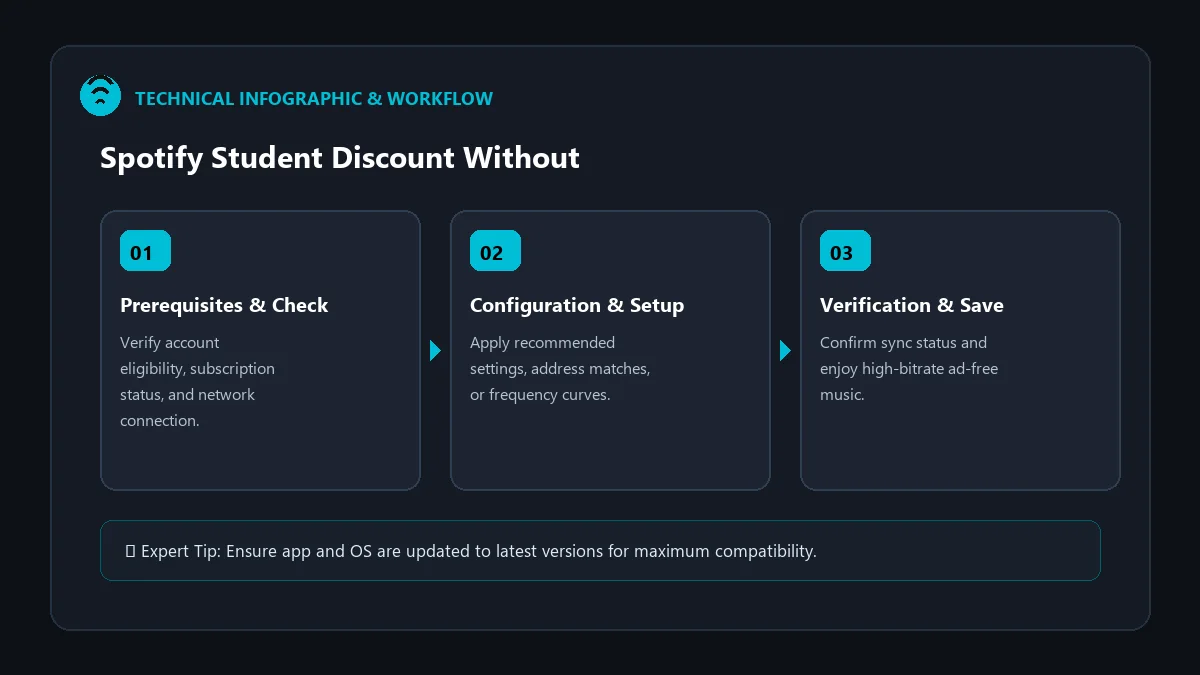
A common myth in the streaming community is that qualifying for Spotify Premium Student strictly requires an institutional .edu email address. While having a student email simplifies single-sign-on (SSO) authentication, Spotify’s official verification partner, SheerID, does not make an educational email address mandatory.
If your college or university does not issue .edu accounts, or if you prefer keeping your personal Gmail, Outlook, or iCloud email on your Spotify account, this guide demonstrates how to claim the spotify student discount without student email address using verified academic documents.
How SheerID Verifies Students Without Academic Email
SheerID verifies identity and enrollment through official institutional registrar databases and manual document review rather than relying solely on email domain parsing. Here is how the system confirms your student credentials:
| Verification Method | Required Email | Primary Requirement |
|---|---|---|
| Automated Registrar Match | Personal or Student Email | Exact Legal Name + Date of Birth matching university records |
| Single Sign-On (SSO Portal) | University Portal Login | Direct login through your university portal (Canvas, Blackboard, Portal) |
| Manual Document Verification | Any Valid Personal Email | Official class schedule, tuition receipt, or enrollment letter |
Step-by-Step: Claiming the Discount with a Personal Email
- Sign in to Your Regular Spotify Account: You do not need to create a new account or change your registered email to a school address.
- Initiate Student Verification: Visit the Spotify Student Portal.
- Select Your Institution: Type your college or university name and select it from the official dropdown list.
- Enter Your Personal Credentials: Input your legal first name, last name, and date of birth exactly as registered on campus.
- Select ‘Upload Document’: When asked for verification, select the document upload route.
- Upload Valid Proof of Enrollment: Submit a high-resolution PDF or image of your current class schedule or official tuition bill.
Document Guidelines to Ensure 100% Approval
To avoid manual rejections, verify that your uploaded document contains all four critical data points:
- 1. Full Legal Name: Must correspond exactly with the name on your Spotify/SheerID submission.
- 2. College/University Name: Must match the institution selected in the SheerID search menu.
- 3. Current Issue Date / Academic Term: Document must show enrollment within the current 3-month window or active semester.
- 4. Official Format: Avoid handwritten notes, cropped screenshots without headers, or unofficial degree planners.
Frequently Asked Questions
Can international students without .edu emails qualify?
Yes. SheerID operates in over 30 countries and supports thousands of accredited global universities that use diverse email domains (.ac.uk, .edu.au, .ca, etc.) or issue no student emails at all.
Will Spotify send spam to my personal email?
No. Spotify only sends essential transactional receipts, plan updates, and the annual renewal reminder 30 days before expiry.
Can trade schools or vocational institutes qualify without .edu?
Yes, provided the vocational institute or trade school is accredited and recognized by regional or national higher education authorities in the SheerID registry.