

Mastering the SheerID Verification for Spotify Student
The Spotify Premium Student plan offers a massive 50% discount and bundles free access to Hulu (With Ads). However, qualifying for this rate requires passing verification through SheerID, an automated academic credential verification service. While the process takes under two minutes for most applicants, document rejections and matching errors can delay approval.
This comprehensive guide details exactly how to verify spotify student discount with sheerid rapidly, troubleshooting common verification failures, accepted proof of enrollment, and instant manual upload bypasses.
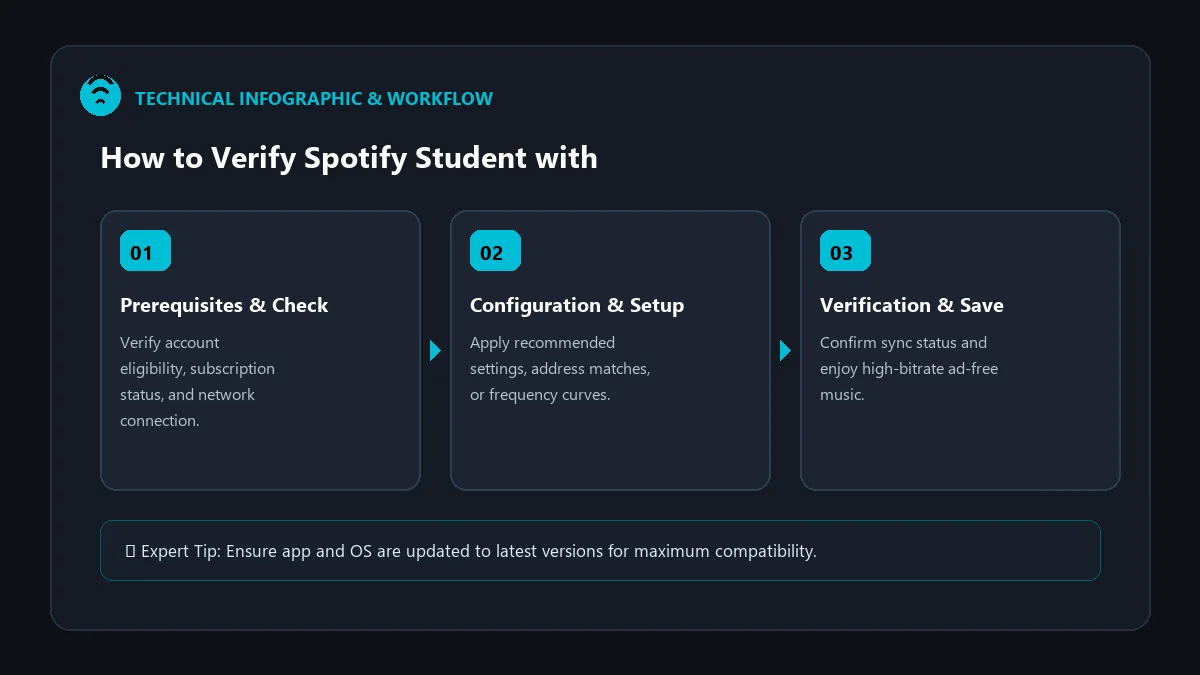
Step-by-Step Guide: Fast-Track SheerID Verification
Follow these exact steps to complete your verification without triggering automated algorithmic flags:
- Navigate to the Official Portal: Visit the official Spotify Student Signup Page and click Get Started.
- Sign in to Your Spotify Account: Log in using the Spotify account you wish to upgrade (your playlists and history will not be affected).
- Enter Exact University Details:
- First and Last Name: Must match your official academic record exactly (avoid nicknames or abbreviated surnames).
- Institution Name: Start typing your university and select the exact accredited branch from SheerID’s dropdown list.
- Date of Birth: Must correspond to your school registration file.
- College Email Address: Use your official
.eduor institutional domain if provided.
- Submit for Instant Verification: SheerID queries national student clearinghouses in real-time. If matched, your account is approved instantly!
How to Handle Manual Document Verification
If SheerID cannot verify your enrollment instantly through automated databases, you will be prompted to upload supporting documentation. To guarantee approval within 15–30 minutes, follow these document formatting standards:
| Accepted Documents | Key Required Information | Common Rejection Reasons |
|---|---|---|
| Official Tuition Receipt | Full Legal Name, Institution Name, Current Academic Term/Year | Missing date, expired semester, cropped student name |
| Class Schedule / Registration | Active enrolled courses, current semester dates, student ID | Future term not yet started, screenshot too blurry |
| Official Transcript | Institutional watermark, active enrollment status, full name | Unofficial degree audit without current semester stamp |
| Student ID Card (With Expiry) | Clear photo, current year sticker or explicit expiration date | No visible expiration date, physical damage over text |
Troubleshooting Top SheerID Verification Errors
1. ‘Something went wrong, please try again later’
This error typically triggers when browser extensions, ad blockers, or VPN services interfere with SheerID’s JavaScript API. Open an Incognito/Private browsing window with all extensions disabled and submit the form again.
2. ‘We were unable to verify that you are a student’
This occurs when your entered name does not match your university database character-for-character. If your university has middle initials or hyphenated names on record, ensure your SheerID entry mirrors that exact format.
3. ‘You have reached the maximum limit for this discount’
Spotify limits the student discount to 4 years (48 months) per user. If you already used 48 months on an old account, SheerID will prevent you from claiming it on a new account using the same student credentials.
Frequently Asked Questions
How long does manual document review take on SheerID?
Most uploaded PDF or JPG documents are reviewed within 20 minutes to 2 hours. In rare peak registration periods (September and January), review may take up to 24 hours.
Can I verify if I am enrolled in online college or community college?
Yes. As long as your institution is accredited and listed in SheerID’s global educational directory, full-time and part-time students qualify.
Do I need to re-verify every semester?
No. Verification is required only once every 12 months. Spotify will send an automated reminder 30 days before your annual renewal date.