
Removing Family Plan Members Safely & Securely
Whether a roommate moves out, a child creates their own standalone account, or you need to free up a slot for another family member, managing your Spotify Premium Family roster is a routine administrative task. However, the most pressing question for departing members is: Will I lose my liked songs, custom playlists, and listening statistics?
In this guide, we detail how to remove member from spotify family plan without losing playlists, preserving every saved track and algorithmically generated recommendation.
What Happens to Music and Playlists When Removed?
Here is the single most important principle of Spotify’s account architecture: Playlists and saved music belong to the individual user account, not the family subscription.
| Account Asset | Status After Removal | Action Required |
|---|---|---|
| Custom Playlists & Liked Songs | 100% Preserved and Intact | None (Stored permanently in cloud) |
| Offline Downloaded MP3s/Audio | Disabled until re-subscribed | Re-downloads automatically once Premium resumes |
| Spotify Wrapped & Algorithm History | 100% Preserved | Algorithms continue learning from your account |
| Subscription Status | Converts to Spotify Free tier | Can upgrade to Individual, Student, or new Family plan |
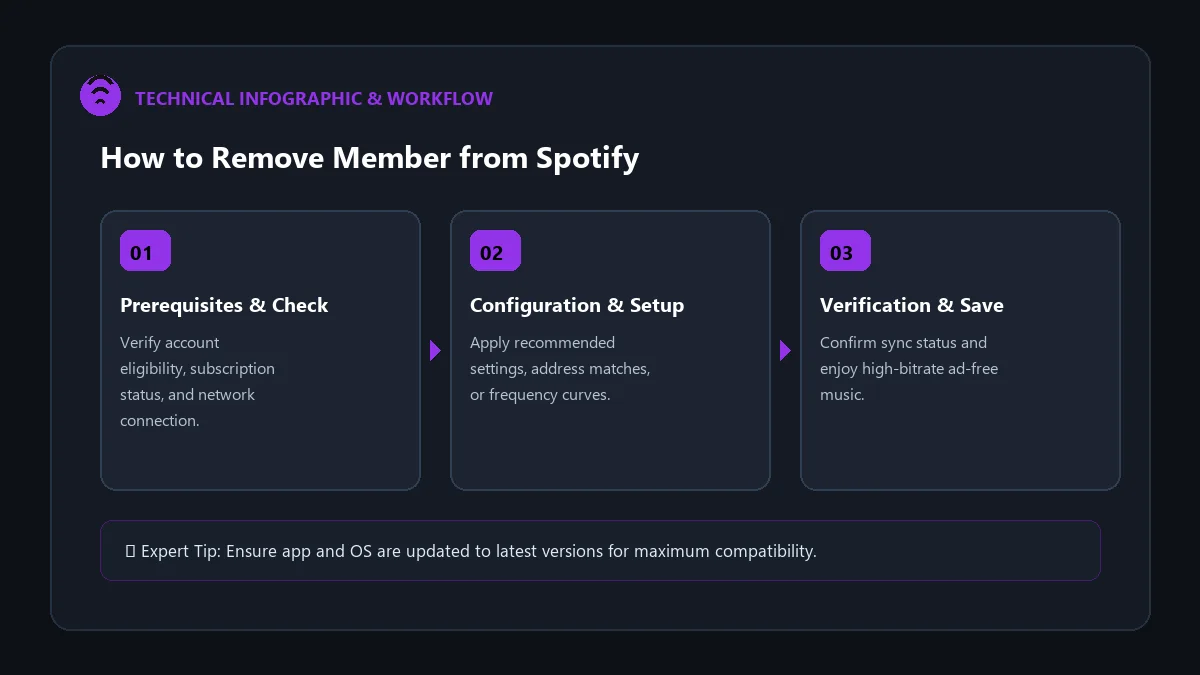
Step-by-Step: How the Plan Manager Removes a Member
- Open your web browser and go to spotify.com/account.
- Log in using the Plan Manager account credentials.
- Click on Manage your family plan.
- Select the name or profile icon of the member you want to remove.
- Click Remove from plan.
- Confirm your choice. The slot is freed immediately, and the removed user receives an email confirming their plan change.
How the Removed Member Can Upgrade Back to Premium
Once removed, the member’s account switches to Spotify Free (with ads). To restore full premium benefits without touching their music library:
- The member logs in at spotify.com/premium.
- Selects their desired tier (Individual, Student, Duo, or accepts a new Family invite).
- Inputs their payment details and confirms. All ad-free perks and high-bitrate offline playback reactivate instantly!
Frequently Asked Questions
Can a removed member join another Family plan immediately?
Spotify enforces a 12-month waiting period between switching different family subscriptions. If they need to join a different family immediately, contact Spotify customer support for an override exception.
Does the Plan Manager get a partial refund when removing a member?
No. The Family subscription is a flat $19.99/mo fee regardless of whether 1 or 6 slots are actively utilized.
Can a member remove themselves from a Family plan?
Yes. A member can visit their account overview page, click on their active plan, and select ‘Leave Plan’.