
Why Spotify Family Invitation Links Expire
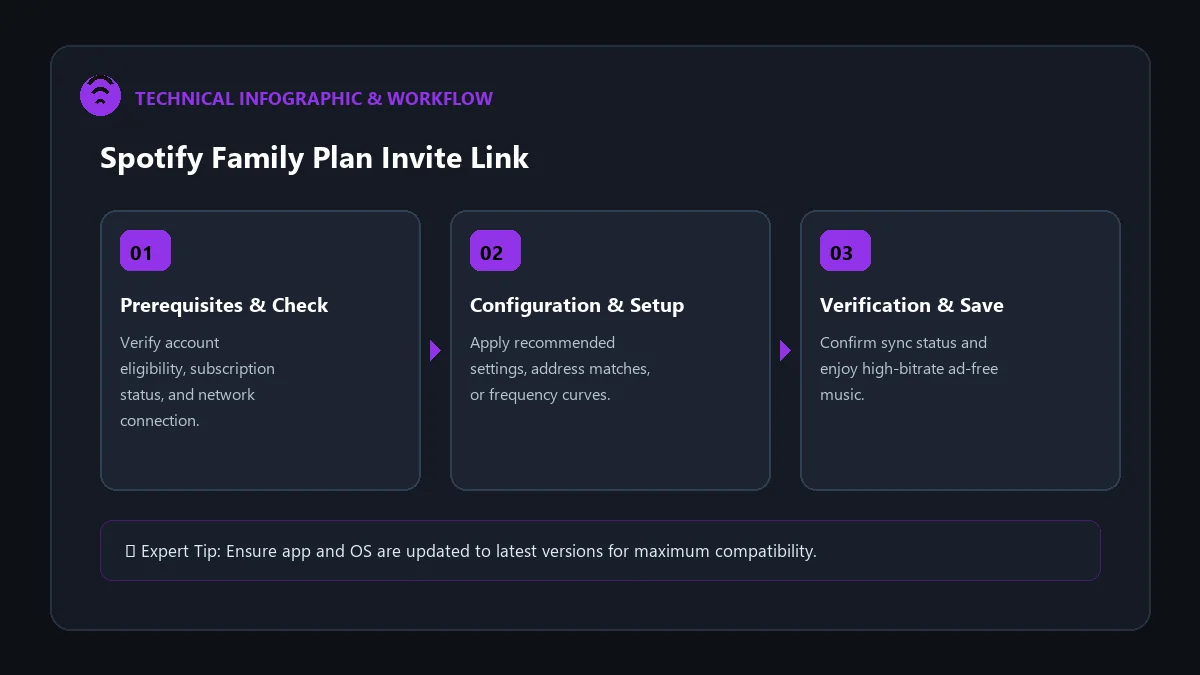
When sharing a Spotify Premium Family subscription, time is of the essence. For security and anti-fraud purposes, Spotify places a strict 7-day expiration limit on all generated family and duo invitation URLs. If an invited member does not accept and confirm their physical address within that 7-day window, the link expires and returns the error: ‘This invite link is invalid or expired.’
If you or your family member encountered this error, this complete guide provides the spotify family plan invitation link expired fix to regenerate fresh credentials and successfully link your profiles in under two minutes.
Step-by-Step Fix: Regenerating a Fresh Invite Link
To resolve an expired invitation, the primary Plan Manager must cancel the pending request and create a new link. Follow these exact steps:
- Sign in to the Plan Manager Account: Open your browser and go to spotify.com/account.
- Access Family Management: Click on Manage your family plan from your account overview dashboard.
- Locate the Expired / Pending Member: Find the member slot that displays the expired invite or pending status.
- Revoke the Old Link: Click on the pending member slot and select Cancel Invitation or Remove. This immediately frees up the slot.
- Generate a Brand New Invite: Click Invite Member, choose Copy Link, and immediately send the fresh URL to your family member.
How the Family Member Should Accept the New Link
| Step | Action to Take | Pro Tip for Success |
|---|---|---|
| 1. Open in Incognito Window | Paste the link into a private browser tab | Prevents old session cookies from interfering |
| 2. Log In with Recipient Account | Sign in with the member’s personal Spotify login | Do not log into the Plan Manager’s account |
| 3. Address Confirmation | Enter the exact registered household address | Must match manager’s profile formatting |
Why Links Might Fail Even After Regeneration
If a freshly created link immediately says invalid, check for the following common configuration issues:
- 12-Month Plan Cooldown: Spotify limits accounts to joining one family plan per 12-month period. If the member left another family plan within the past year, their account will be blocked from joining a new group.
- Account Country Mismatch: Both the Plan Manager and the invited member must have accounts set to the exact same country in account settings.
- Messaging App URL Truncation: Some messaging apps (SMS, WhatsApp) break long URLs across multiple lines. Always use the ‘Copy Link’ feature and paste the complete string.
Frequently Asked Questions
How long are Spotify Family invite links valid?
Invitation links remain valid for exactly 7 days from the moment they are generated by the Plan Manager.
Does regenerating an invite cost extra money?
No. You can regenerate invitations as many times as needed without any additional charges.
Can I invite someone using their email directly?
Yes. In the family management dashboard, you can choose ‘Send Email Invite’ instead of copying a manual link.