
Unlocking Your Free Hulu Bundle with Spotify Student
One of the most valuable perks of the Spotify Premium Student plan ($5.99/mo in the United States) is complimentary access to Hulu (With Ads). By bundling these services, students save roughly $10 per month compared to buying standalone subscriptions. However, activating and linking your Hulu account is not automatic—it requires a quick one-time activation process.
This guide explains how to link hulu with spotify student discount whether you are creating a brand new Hulu account or transitioning an existing paid Hulu subscription.
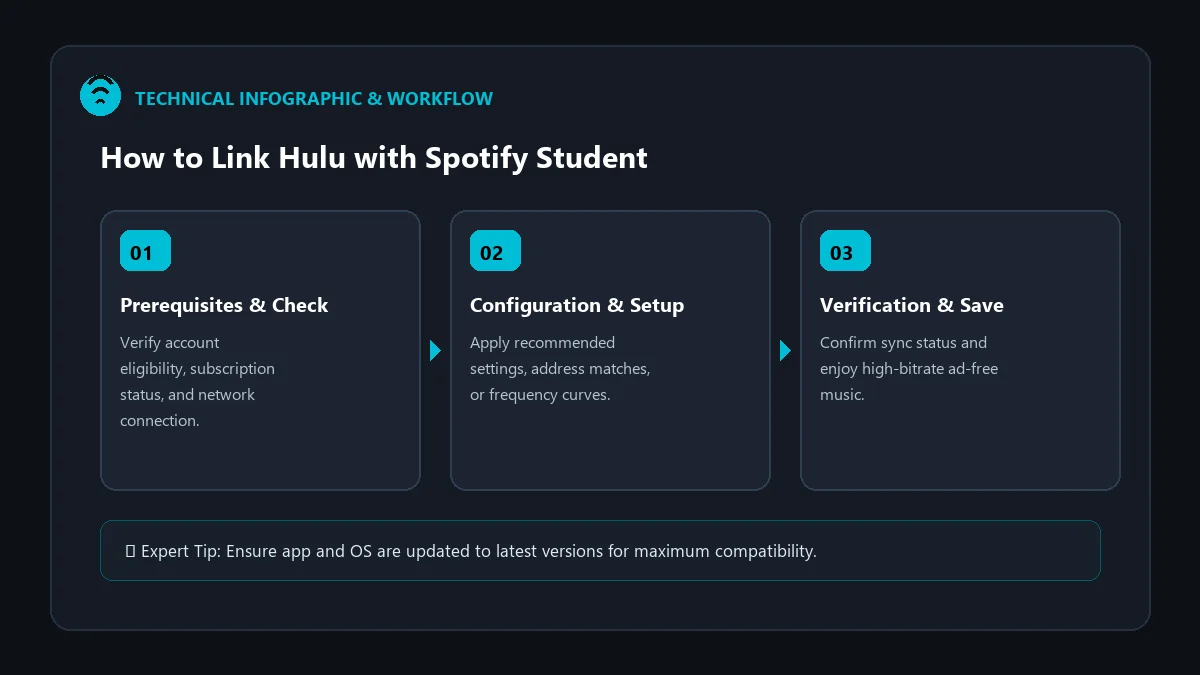
Prerequisites Before Linking Hulu
Before initiating the linking workflow, verify the following prerequisites:
- You have an active, verified Spotify Premium Student plan approved via SheerID.
- You are physically located within the United States (Hulu bundle is a US-exclusive promotion).
- If you have an existing Hulu account, it must not be billed through a third party like Apple, Roku, or Amazon (third-party billing must be cancelled first).
Step-by-Step: How to Activate & Link Hulu
- Log in to Spotify: Navigate to spotify.com/account in your desktop or mobile browser.
- Navigate to Account Overview: Look for the Your Services section or the banner labeled ‘Activate Hulu’.
- Click ‘Activate’: Spotify will launch the secure authorization bridge between Spotify and Hulu.
- Connect Your Hulu Account:
- If you already have a Hulu account: Sign in with your existing Hulu login credentials. Spotify will seamlessly switch your billing method so Hulu is no longer charged to your card.
- If you are new to Hulu: Fill in your name, email, and password to create a fresh Hulu profile.
- Confirm Permissions: Click Allow to finalize the connection. Your Hulu subscription is now 100% covered by your Spotify Student plan!
Comparison of Standalone vs. Bundled Value
| Subscription Setup | Monthly Total | Annual Out-of-Pocket |
|---|---|---|
| Spotify Individual + Hulu Standalone | $21.98 / mo ($11.99 + $9.99) | $263.76 / year |
| Spotify Student Bundle (Spotify + Hulu) | $5.99 / mo total | $71.88 / year (Save $191.88/yr) |
Troubleshooting Common Hulu Linking Errors
1. ‘You are not eligible to link Hulu’
This message occurs if your Spotify account is on a regular Individual, Duo, or Family plan instead of Student. Ensure your SheerID student verification has completed successfully before attempting to link.
2. ‘Existing Hulu subscription billed by third party’
If your Hulu subscription was initiated via Apple iTunes, Google Play, or Roku, Hulu cannot transfer billing to Spotify automatically. You must cancel your subscription in Apple/Roku settings, wait until the remaining prepaid days expire, and then link through Spotify.
3. ‘Hulu password reset loop’
If you encounter login loops, clear your browser cookies for Hulu.com or complete the linking process in an Incognito/Private window.
Frequently Asked Questions
Can I upgrade to Hulu (No Ads) with the Spotify Student plan?
No. The Spotify student bundle strictly includes Hulu (With Ads). Hulu does not currently allow adding an ad-free upcharge to Spotify-billed accounts.
Can I add Disney+ or ESPN+ to my Spotify Hulu bundle?
Direct add-ons are not supported through Spotify billing. If you require the full Disney Bundle, you must subscribe through Disney/Hulu directly at standard rates.
What happens to my Hulu account when I graduate?
When your 4-year student eligibility expires or you leave university, your Hulu bundle terminates and your Spotify account transitions to standard $11.99 pricing. You can then resubscribe to Hulu independently.